
Free YouTube giveaway picker: pick a winner from your video comments
Our YouTube giveaway picker chooses a random winner from the comments under your video, and gives you a certificate you can pin or link in your description.
Why comment giveaways suit YouTube
Viewers already leave comments, so entering costs them almost nothing. And because comments stay under the video, there is an entry list you can point to if anyone asks how the winner was chosen.
- Entering is as simple as writing a comment.
- The entry list is public, right under your video.
- A video keeps getting views, so a giveaway with a clear closing date can keep collecting entries.
Pick a winner from your video comments
- Add the comments. Paste your video link, or upload your comments.
- Choose your rules. One entry per person, and leave out your own account.
- Draw and show it. Pick the winner and pin the certificate link in the comments.
Subscriber giveaways: be clear about what you can check
A comment doesn’t show whether someone subscribed. If your giveaway asks for a subscription, say in the video whether you’ll check it by hand or take it on trust.
Rules the comments can prove
One entry per person, your own account left out, and entries made before the closing time.
Rules you check yourself
Subscribing, watching to the end and liking. Tell viewers how you’ll handle each one.
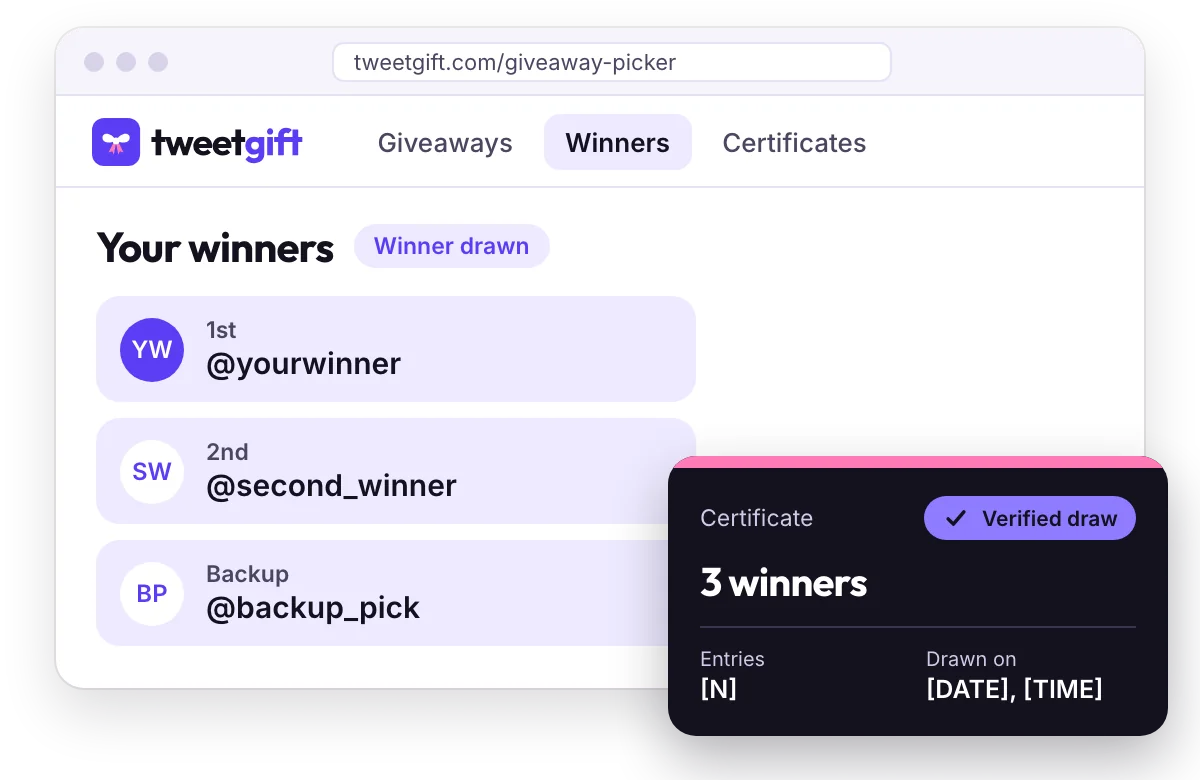
Bigger prize pool? Draw several winners
Draw more than one winner and add backups for anyone who doesn’t respond. One certificate covers the whole draw, so you only have to share one link.
Questions about YouTube giveaways
How long should a YouTube giveaway run?
Long enough for your regular viewers to see the video, often a week or two. Pick the closing date before you post and keep to it.
Can I show the draw in a follow-up video?
Yes. You can draw whenever you like and share the certificate afterward. Showing the result in a follow-up video is an easy way to announce it.
What if my video has a lot of comments?
The free plan covers one winner from up to 300 comments. For busier videos, see the Single giveaway and Pro plans on the pricing page.
Is TweetGift part of YouTube?
No. TweetGift is independent and isn’t affiliated with, endorsed by or sponsored by YouTube. YouTube has its own rules for contests and promotions, so check them before you run yours.
Also running giveaways on other platforms?
The same draw works for Instagram posts and X replies. Browse all of them on the giveaway picker page.
Pick the winner of your next video giveaway
Draw once, share the certificate, and let your comments section see the proof.